15 Free Productivity Tools Every Freelancer Should Use in 2026
Freelancing means wearing every hat: designer, accountant, project manager, IT support, and salesperson, often all before lunch. The freelancers who stay sane in 2026 aren’t the ones working longer hours — they’re the ones who’ve quietly automated the boring, repetitive parts of running a business with the right free tools.
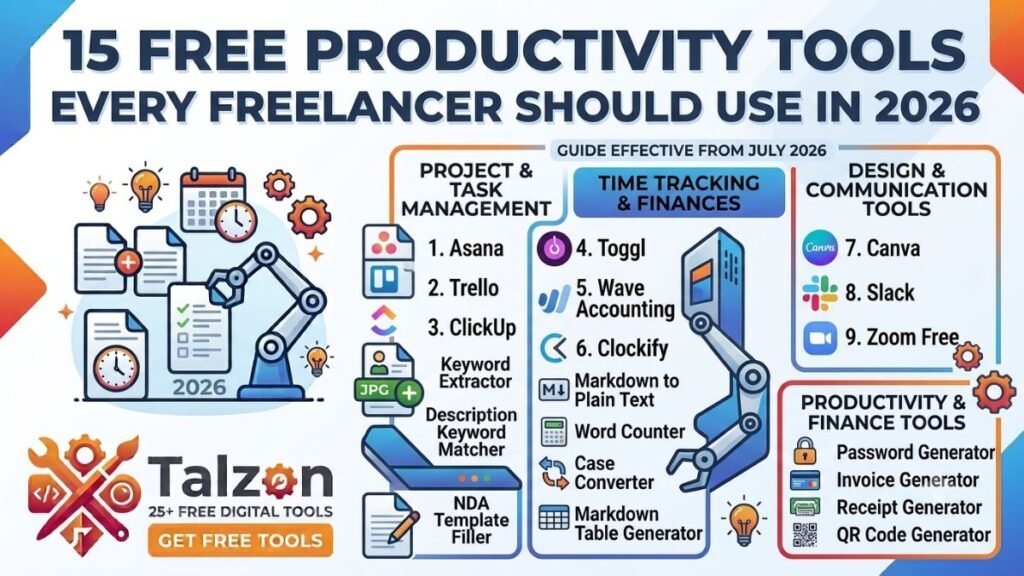
Below are 15 free tools that cover the tasks almost every freelancer deals with weekly: invoicing, file handling, client communication, privacy, and content formatting. No subscriptions, no bloated software — just fast, browser-based tools you can use right now.
1. Invoice Generator
Getting paid on time starts with sending a clean, professional invoice — not a Word doc with your logo pasted in crooked. A good invoice generator lets you add your branding, line items, tax fields, and payment terms in minutes, then export a polished PDF ready to send.
2. Receipt Generator
Once you’re paid, clients (and your own bookkeeping) often need a receipt to match. Instead of manually formatting one in a document editor every time, a receipt generator lets you create consistent, professional receipts in seconds.
3. Merge PDF
Sending a client their contract, invoice, and project brief as three separate attachments looks disorganized. A merge tool combines multiple PDFs into a single, clean file without flattening your pages into blurry images or scrambling the order.
4. Split PDF
The opposite problem happens just as often — a client sends a 40-page contract and you only need to send them page 12 back with your notes. A split tool lets you pull exact pages or ranges out of a larger PDF without breaking the document’s structure.
5. Compress PDF
Large attachments bounce off email servers and slow down client portals. A compression tool shrinks your file size for sharing while keeping your text and images looking sharp, so your proposal doesn’t look pixelated the moment it lands in someone’s inbox.
6. PDF to JPG
Sometimes a client just wants to see a page as an image — for a quick preview, a social post, or a moodboard — without opening a full PDF viewer. Converting a page to JPG on the fly saves you from screenshotting and cropping manually.
7. JPG to PDF
On the flip side, if you’re compiling scanned receipts, reference images, or screenshots into one shareable document, converting images into a single PDF keeps everything organized and easy to send as one file instead of a dozen loose attachments.
8. QR Code Generator
Whether you’re linking to your portfolio on a printed business card, a client proposal, or a physical invoice, a QR code is a fast way to send someone straight to a specific page without them typing out a URL. A free generator gets you a clean, scannable code in seconds.
9. NDA Template Filler
New client relationships often start with a non-disclosure agreement, and drafting one from scratch for every project wastes time you could spend actually working. An NDA template filler lets you plug in the relevant names, scope, and terms and generate a ready-to-sign document immediately.
10. Word Counter
Freelance writers, marketers, and virtual assistants live and die by word counts, whether it’s hitting a client’s exact brief or staying under a platform’s character limit. A word counter gives you an instant, accurate count instead of relying on your editor’s built-in tool, which isn’t always reliable across formats.
11. Text Cleaner
Copying text from a PDF, email, or another document often drags along invisible formatting, stray line breaks, or odd spacing that looks fine until you paste it somewhere else and everything breaks. A text cleaner strips all of that out so you get plain, ready-to-use text every time.
12. LinkedIn Post Formatter
LinkedIn doesn’t support rich text formatting the way a document editor does, so bold headers or bullet points you write elsewhere often paste in as plain, broken text. A LinkedIn post formatter converts your draft into the special characters that actually render properly on the platform, keeping your posts readable and professional.
13. Password Generator
Freelancers juggle logins for dozens of client portals, invoicing platforms, and project management tools, and reusing the same password across all of them is a real security risk. A password generator creates strong, unique passwords instantly, which is a small habit that meaningfully protects both you and your clients’ data.
14. Screenshot Redaction Tool
Sharing a screenshot with a client or in a support ticket often means it includes information you didn’t mean to show, like an email address, an account number, or another client’s details in the background. A redaction tool lets you black out sensitive areas before you send it, without needing a full image editor.
15. Image Metadata Remover
Photos and screenshots often carry hidden metadata, like location data, device information, or timestamps, that you may not want attached to a file you’re sending publicly or to a client. An image metadata remover strips that information out in one step, which is good practice for privacy and professionalism alike.
Building Your Own Freelance Toolkit
You don’t need all 15 tools for every project, but most freelancers will touch at least five or six of these in a given week without realizing how much time they’re saving by not doing these tasks manually. The pattern worth noticing is that the best freelance tools aren’t the flashiest ones — they’re the boring, reliable ones that quietly remove friction from your day so you can spend more time on the work that actually pays.
Bookmark the ones that match your workflow, and the next time a client asks you to “just quickly” merge a file, generate an invoice, or clean up a document, you’ll already have it handled.